

When working on a document in Microsoft Word, the “Track Changes” feature is an invaluable tool for collaborative editing. It allows multiple users to make changes, [ read more...]

When working with Microsoft Word, a frequent question arises: “How many words fit on a single page?” Knowing this can help you plan and organize your [ read more...]

One of the most important features Microsoft Word offers is the ability to find specific words or phrases within a document. This feature saves time and [ read more...]

Adding a drop-down list to your Microsoft Word document can make your work more organized and user-friendly. If you create forms, questionnaires, or documents that need [ read more...]
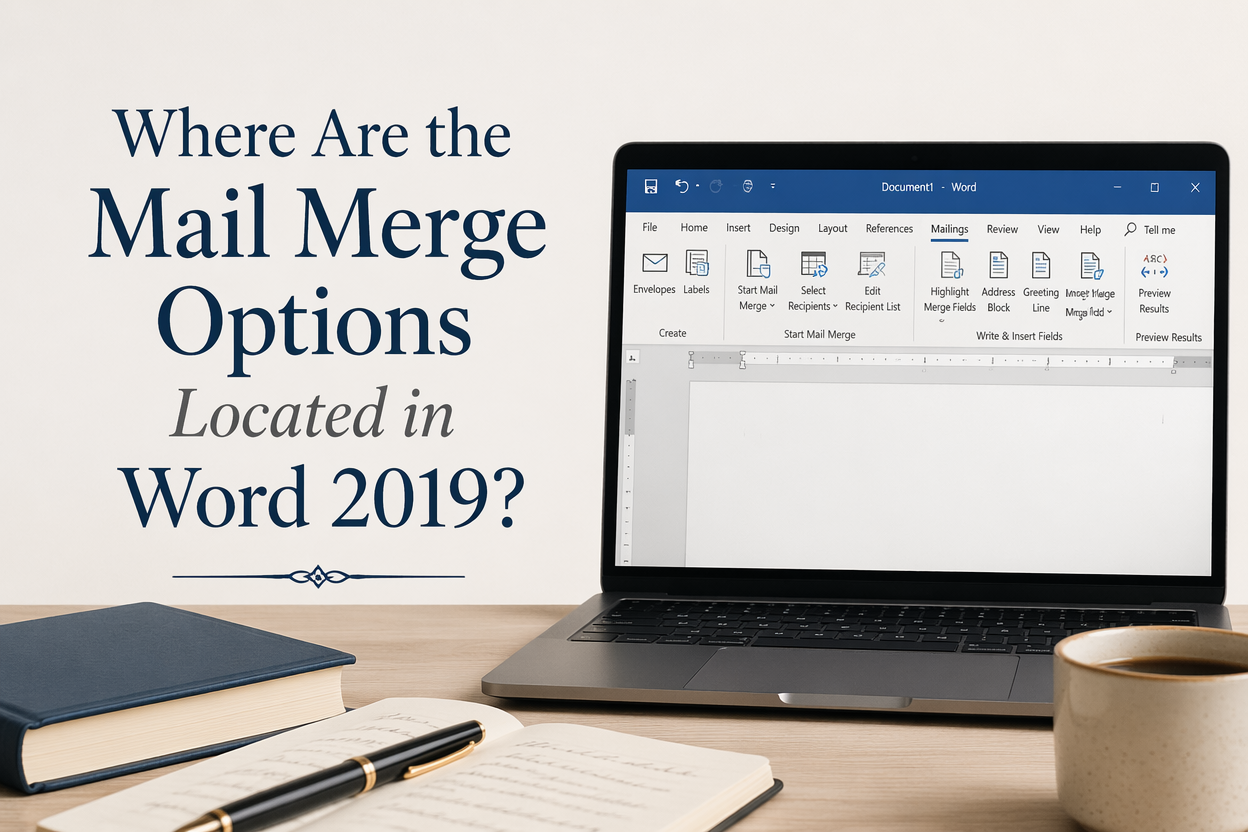
If you’ve asked, “Where are the mail merge options located in Word 2019?” before, you are usually one click away from saving yourself an hour of [ read more...]

Aligning text left and right on the same line in Microsoft Word might initially sound tricky, but it’s a simple task once you grasp the concept. [ read more...]
Page [tcb_pagination_current_page] of [tcb_pagination_total_pages]