
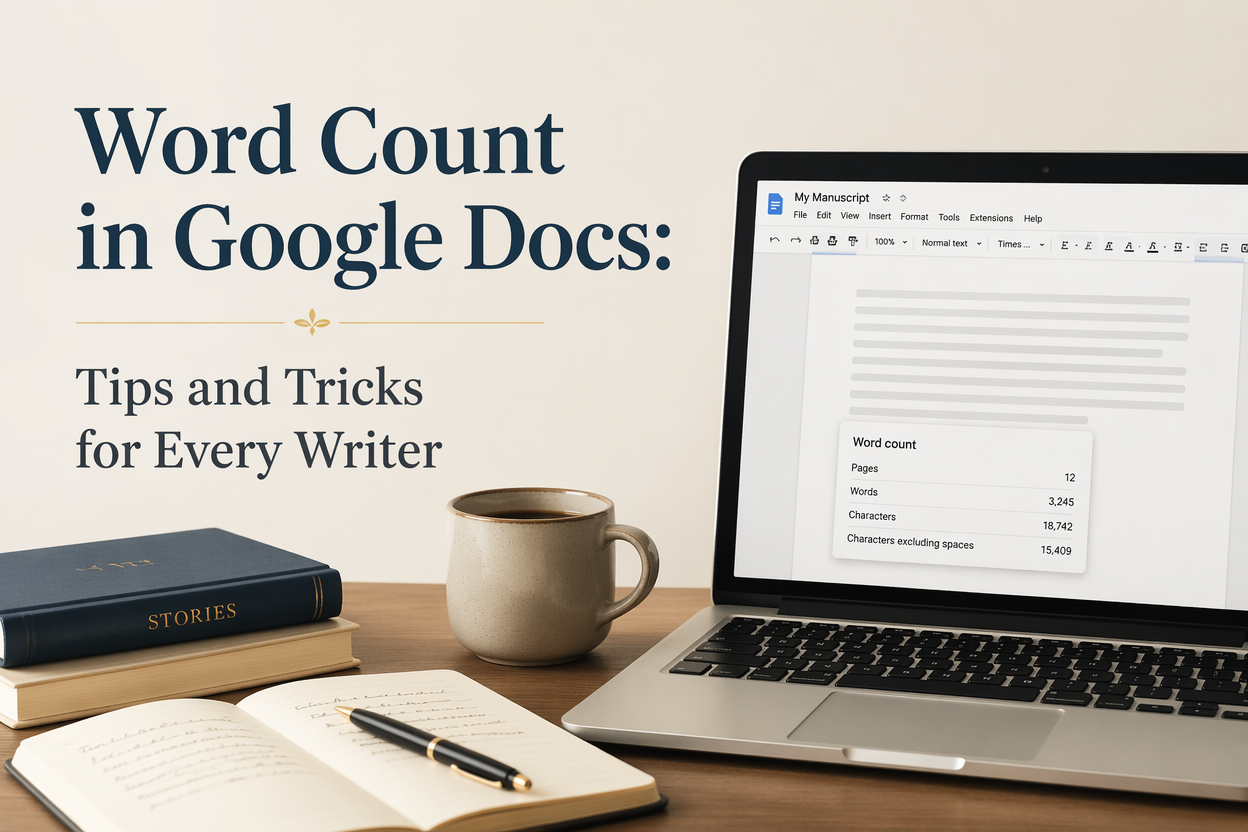
Your word count in Google Docs is only as useful as the decisions you attach to it. I see writers obsess over a single number, then wonder why drafting drags, edits sprawl, and submission requirements get missed by a mile. Google Docs can give you the right numbers fast, but you need to set it up so the number you see matches the work you are actually doing.
If you write novels, memoir, or non-fiction, word count is your pacing gauge, your scope fence, and your compliance check. It tells you whether your scene length is ballooning, whether your revision is actually cutting, and whether your manuscript fits the expectations of your category on Amazon KDP or a traditional submission form.
I am going to show you how to pull the right counts in Docs, how to count only what matters, and how to use those numbers to draft and revise on purpose instead of guessing.
Table of Contents
Word Count That Matches Your Real Draft
The default word count in Google Docs is accurate for the document as a whole, but it can be misleading for a working manuscript because your file usually contains things that are not part of the book. Front matter notes, research links, revision questions, deleted scenes, and a messy “parking lot” section can add thousands of words you will never ship.
Before you chase targets like 90,000 words or “2,000 words per day,” decide what your word count is supposed to represent. Draft words are different from publishable words. Editing words are different from marketing words. If you do not pick the definition, the number will pick it for you.
How To Check Word Count On Desktop
In a browser, go to Tools and select Word count. A box appears with pages, words, characters (with and without spaces). That box also gives you a checkbox to show the count while you type, which I use when I am drafting fast and do not want to break rhythm.
If you want the keyboard shortcut, use Ctrl+Shift+C on Windows or Cmd+Shift+C on Mac. I like the shortcut during revision passes, because I can highlight a chapter, check it, then move on without hunting menus.
How To Check Word Count On Mobile
On the Google Docs mobile app, open the document, tap the three-dot menu, then tap Word count. Mobile is fine for spot checks, but it is not where I manage targets. If you are trying to hit a daily drafting quota, do it on desktop with the “display while typing” count turned on.
What Google Docs Counts And What It Does Not
Docs counts words in the main body text. It does not reliably count content inside headers, footers, or some special elements the way you might expect, and those edge cases matter for writers working with heavy formatting. If you are writing non-fiction with lots of footnotes or you are building a workbook with tables, test a few pages and confirm what is being included.
For publishing, the practical truth is that submissions and reader expectations are about manuscript words, not the exact count of every caption and header. When you need strict compliance, export and double-check in the format required by the person asking. For KDP, pages are not a stable measure across devices, which is why word count stays the writer’s best planning tool. Amazon explains how Kindle devices handle pagination and why it differs from print.

Counting Only The Words That Matter Right Now
The fastest way to get useful numbers out of Google Docs is to count selections instead of whole documents. Your manuscript is not one task. It is a stack of tasks, and each one benefits from its own measurement.
Highlight a scene, chapter, or section and run a word count. Docs reports the selection count and the full document count together. This is the habit that keeps your pacing consistent, because you can see, for example, that your dialogue-heavy chapter is 3,800 words when your average chapter is 2,400.
Scene And Chapter Targets That Do Not Lie
If you outline by scenes, use the selection word count to keep scenes from quietly turning into mini-novellas. I see this most when a writer adds “just one more conversation,” and the scene loses its point. A clean scene has a job, and word count helps you notice when the job got buried under extra beats.
Pick a loose range based on your genre and voice. Thriller chapters often run shorter and punchier. Epic fantasy tolerates longer chapters, but readers still feel a slog when every scene runs 5,000 words. Once you know your normal range, any outlier becomes a revision clue.
Draft Count Versus Manuscript Count
If you keep notes inside the same document, separate them from the manuscript so you can count your draft without your mess. My simplest method is a “NOTES” section at the very bottom with a horizontal line above it. When I want manuscript count, I highlight only the manuscript portion and check the selection word count.
If you prefer structure, create a separate “Research and Notes” document and link to it. That gives you clean numbers and fewer distractions when you are drafting. If you are working in a tool like Adazing’s QuickWrite for drafting bursts, I still recommend doing your final assembly in Docs or Word for formatting and export, but keep your counting method consistent across tools so your targets stay meaningful.
Word Count For Submissions And Contests
When an agent, editor, or contest asks for “no more than 5,000 words,” they mean the text they will read, not your brainstorming section. Highlight only the requested portion and verify the selection count. If you are submitting sample chapters, confirm where your chapter breaks land and do not assume a “Chapter 1” heading means you included the entire chapter.
And check the requirement language. Some ask for “first 10 pages” instead of words. Pages in Docs depend on your formatting, so set your document to standard manuscript format and verify page count after you set font, spacing, and margins.
Live Word Count For Drafting Without Breaking Flow
If you want word count to help you draft faster, you need it visible without forcing you to stop and check. Google Docs can display a running count in the lower-left corner on desktop. Turn it on in Tools, then Word count, and check Display word count while typing.
I like this feature for two kinds of sessions: sprint drafting and timed sessions. Both work because you are measuring output, not quality, which is exactly what drafting needs. Editing comes later.
Daily Quotas That Fit Real Writing Life
A daily quota should be boring. If it is heroic, you will break it, then you will start negotiating with yourself, and the negotiation burns more energy than the writing. Pick a baseline number you can hit on a normal day, then add optional stretch words on days when you have the time.
If you are writing around a job or kids, 300 to 700 words a day is a steady book. If you have long blocks of time and drafting is your main focus, 1,500 to 3,000 words can be realistic. The point is consistency, because steady words build read-through, and read-through is where most long-term income comes from for series writers.
Session Tracking That Prevents Self-Deception
Live word count can lie if you are backspacing a lot, because you are watching the number wobble, and your brain reads that as progress. When you need clean data, record starting word count and ending word count for the session and only track the difference. I do this in a simple log at the top of my doc or in a separate spreadsheet.
If you want the count to reflect drafted words rather than revised words, draft in one color or use “suggesting” mode later. Google Docs does not natively track “new words added today” the way some dedicated writing apps do, so your logging method matters if you are serious about measuring production.
Drafting Sprints With A Word Goal
For a 20-minute sprint, I like a small target that forces forward motion. If you average 40 words per minute when you are rolling, set a sprint goal of 600 to 800 words. If you are slower, set 300 to 500. Your goal is momentum. Your goal is not polish.
After the sprint, run a quick selection word count on the chunk you just wrote. That tells you what your sprint actually produced, independent of earlier text in the chapter.
Using Word Count As An Editing Tool
Draft word count is mostly about throughput. Revision word count is about control. If your book is too long, too short, or uneven, word count helps you pinpoint where the real problems live.
I start revision by checking counts at the chapter level. I want to see the rhythm of the book. If I see a 1,200-word chapter next to a 6,000-word chapter in a genre where chapters usually run closer together, I assume the long chapter is carrying extra weight or the short chapter is missing a necessary beat.
Diagnosing Pacing With A Simple Chapter Map
Create a list of chapters with their word counts. You can do it manually in ten minutes by highlighting each chapter and running a word count. Put those numbers in a table at the top of the document or in a separate doc. This is not glamorous work, but it reveals structural issues fast.
When you see spikes, read those chapters with one question in mind: “What is the scene-level purpose, and did I repeat it?” Repetition is the most common reason chapters swell. The second most common reason is that the writer kept explaining instead of dramatizing, which usually reads slower and still adds words.
Cutting Words Without Cutting Meaning
If you need to trim 10,000 words, you will not get there by shaving adverbs. You get there by removing redundant scenes, compressing travel and setup, and tightening repeated explanations. Word count tells you where the heavy cuts should come from.
I prefer to cut in passes. First pass targets entire scenes that do not change the situation. Second pass targets paragraphs that restate the same point. Third pass targets sentence-level clutter. After each pass, I check the selection word count on the revised section so I can tell whether the cut was real or just moved around.
When Your Manuscript Is Short
A short manuscript is not automatically a problem. For example, romance novellas sell. Cozy mysteries have different expectations than epic fantasy. Some non-fiction books are better at 40,000 words than 80,000 because they do not repeat themselves.
If your book feels thin, word count helps you locate missing development. Look at where your chapters are consistently short and ask whether you skipped a turn. Did you skip the moment where the character chooses? Did you jump over consequences? Did you summarize the part the reader actually came for? Add depth where it earns its place, then re-check your chapter counts so the additions do not pile up in one corner of the book.
Word Count For Publishing, Formatting, And Marketing Decisions
Word count is not only a writing metric. It affects production choices and marketing expectations. Print cost, audiobook runtime, reader commitment, and even your release schedule all bend around length.
For print, page count drives spine width and printing cost. KDP print costs are tied to page count and ink type, and Amazon lays out the math in its paperback printing cost documentation. This matters when you are pricing a paperback and wondering why your margin is thin.
Planning Series Release Pace
If you are a series writer, consistent word count builds a consistent reader experience. It also makes your production calendar predictable. For example, a 60,000-word book every 60 days is a different business than a 150,000-word book every 18 months. Neither is morally superior. One is easier to sustain alongside rapid marketing cycles.
I often see writers promise rapid release, then draft books that belong to a slower cadence. Word count tells the truth early. If your “quick” book is already 50,000 words at the midpoint, adjust your plan before you announce dates to your list.
Matching Genre Expectations Without Copying Anyone
Genre ranges are real, even when nobody writes them down. If you publish wildly outside the expectations of your category, readers notice. They do not always punish you for it, but your reviews will mention it.
For traditional submissions, agents often state preferred ranges. For self-publishing, study the also-boughts of your comps. Look at the Kindle page counts and, when possible, listen to audiobook lengths. Then set a target range that fits your voice and story scope. Word count in Docs gives you the steering wheel. It does not write the book for you.
Blurb, Sample, And Bonus Content Length
Marketing copy has its own word count problems. For example, a back-cover blurb that rambles usually drones on because the writer tries to include the plot instead of the tension. Keep blurbs tight, test them against comps, and cut until every sentence earns its spot.
If you deliver reader magnets or bonus epilogues, word count helps you respect the reader’s time. For example, a 3,000 to 10,000-word bonus story is often enough to delight without turning into an unplanned side project. Draft it in Docs, track the count live, and stop when the story point lands.
And if you are building ads, social posts, or metadata, remember that platforms have hard limits. Google Docs character counts help here. X, Amazon descriptions, and newsletter subject lines all have constraints, and those constraints are part of the craft.
FAQs for Word Count in Google Docs: Tips and Tricks for Every Writer
How do I see word count while I type in Google Docs?
On desktop, go to Tools, then Word count, then check “Display word count while typing.” A small counter appears in the bottom-left. Click it to cycle between words, pages, and characters.
Does Google Docs word count include footnotes and headers?
It counts words in the main body text reliably, but headers, footers, and some special elements can behave differently depending on your document. If footnotes or templates matter to your project, run a quick test on a short section and compare it to an exported version in the format you will submit or publish.
How do I get the word count for one chapter only?
Select the chapter text with your cursor, then open Tools and choose Word count. The dialog shows the count for your selection and for the full document. I use this constantly for pacing checks and for submission excerpts.
Turning Word Count Into A Writing Advantage
Word count is a blunt instrument that becomes precise when you use it with intent. I track live count for drafting, selection count for scenes and chapters, and chapter maps for revision, because each stage needs a different truth. If you set up your Google Docs workflow this way, the numbers stop being stressful and start acting like a dependable dashboard for your book.
If you want extra speed, pair a clean word-count habit with tools that reduce friction elsewhere. I built many of my own processes around Adazing tools for naming, generating prompts, and getting covers and marketing assets moving earlier, because the real bottleneck is rarely “not enough ideas.” The bottleneck is time and attention, and word count is one of the easiest ways to protect both.
