
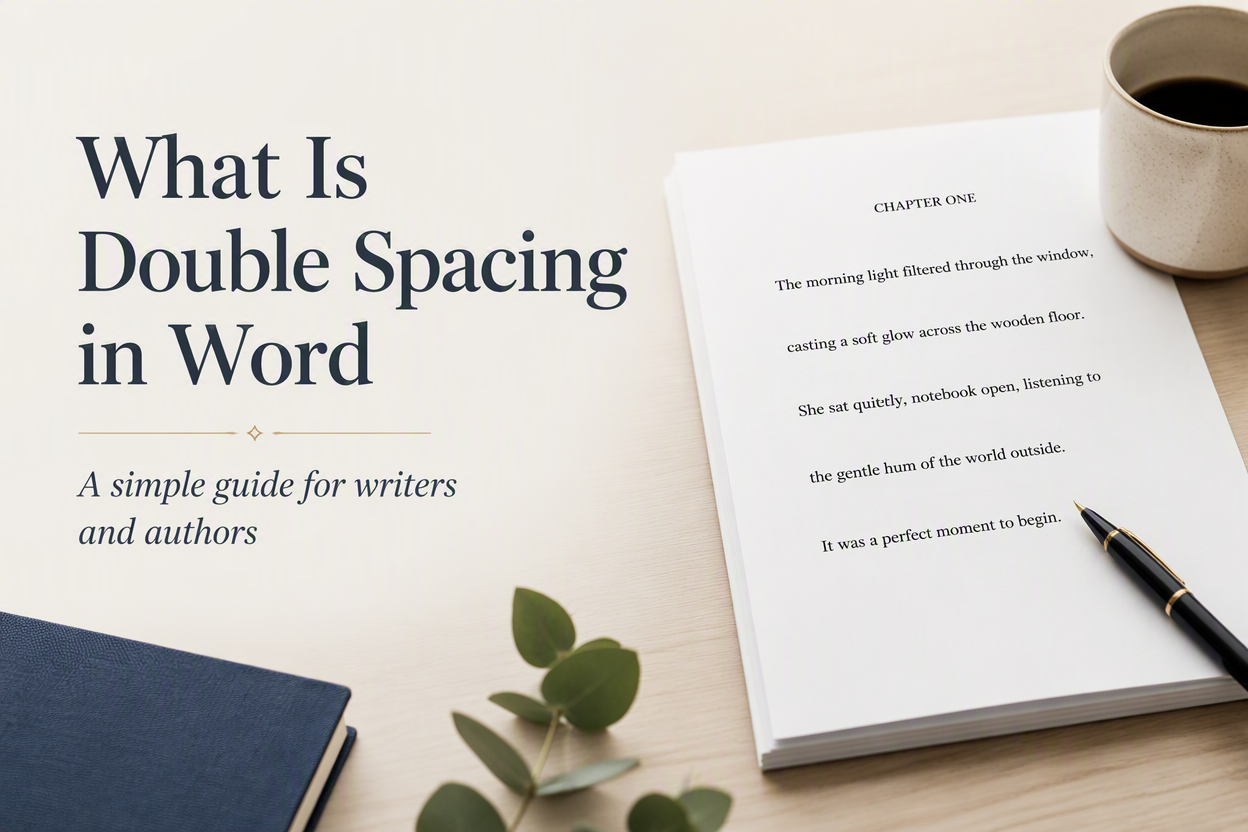
Authors often ask, “What is double spacing in Word?” when a manuscript submission guide demands more white space on the page. Double spacing places the equivalent of one blank line between each line of text, giving an editor room to read, mark corrections, and move through a long manuscript without fighting a dense wall of type.
For a novelist, essayist, or nonfiction author, the setting matters because manuscript formatting serves a different purpose from book interior design. A double-spaced file is built for review and editing. Your finished paperback or ebook will usually use tighter line spacing, paragraph styling, and page design chosen for comfortable reading.
I recommend treating double spacing as a submission setting. Apply it to the full manuscript, check the paragraph spacing, save a clean copy, and then follow the specific requirements of the agent, editor, contest, or publisher receiving the file.
Table of Contents
Double Spacing In Word Explained
Line spacing controls the vertical distance from one line of text to the next within a paragraph. At 1.0, lines sit close together; at 1.5, they have more room; and at 2.0, Word gives each line twice the standard single-spacing height.
Double spacing affects the lines themselves. Paragraph spacing controls the extra room before or after a paragraph. Those settings work separately, which explains why some manuscripts look strangely loose after an author chooses double spacing and leaves the paragraph spacing at its default value.
A standard manuscript page often uses double-spaced lines, a readable 12-point font, one-inch margins, and a first-line paragraph indent. The exact rules vary by genre and submission request. Literary agents often publish their own guidelines, and a screenplay, academic paper, picture-book dummy, or illustrated nonfiction proposal can follow an entirely different format.
Microsoft’s instructions for changing line spacing in Word distinguish line spacing from paragraph spacing, a distinction worth understanding before you format a complete manuscript.
Line Spacing And Paragraph Spacing
Suppose your chapter contains three paragraphs. With double line spacing and zero extra space after each paragraph, the text has generous room between lines and a clear first-line indent, while adding 8 or 10 points after every paragraph on top of that double spacing causes the page to develop large gaps that can make the manuscript appear padded.
For conventional prose submissions, I usually set line spacing to Double, set the before- and after- paragraph spacing to 0 points, and use a first-line indent. I also remove blank lines between paragraphs. For example, a scene break can use a centered symbol such as # when the submission instructions permit it.
Double Spacing For Manuscripts
Editors need room to comment on pages, whether they work in Word’s Track Changes, add digital notes, or print the manuscript. Double spacing makes those comments easier to place and read. It also gives the editor a predictable page shape for estimating length.
That format serves the editorial process. It doesn’t predict how your book will look after publication. A 90,000-word mystery may produce a tidy double-spaced manuscript for an editor and a much shorter-looking interior once the book designer sets the type.

How To Double Space A Word Document
You can apply double spacing from the Home tab in the desktop version of Word. Start with a copy of your manuscript so you can preserve the original formatting until you confirm the submission rules.
- Open the manuscript in Word.
- Press Ctrl+A on Windows or Command+A on Mac to select the document.
- Open the Home tab.
- Find the Paragraph section and select the Line and Paragraph Spacing button.
- Choose 2.0 or Double.
- Open Line Spacing Options if you need to inspect the paragraph settings.
- Set Before and After paragraph spacing to 0 points for a conventional prose manuscript.
- Select OK, then read through several pages to check the result.
The toolbar button changes the selected text. Selecting the entire document first prevents a common problem in which the opening chapters are double-spaced, and later chapters remain single-spaced. I have seen that inconsistency survive all the way into a submission file because the author checked only the first page.
Using The Paragraph Dialog Box
The Paragraph dialog box gives you more control than the quick toolbar menu.
- In the Indents and Spacing section, choose Double from the Line spacing menu.
- Enter 0 in the Before and After fields if the manuscript uses first-line indents for paragraph breaks.
- Check the preview in the document after you select OK.
Word can carry formatting from pasted text, imported chapters, and old templates. A clean paragraph setting helps bring those sections into the same pattern.
Using Word For The Web
Word for the web includes line-spacing controls in its formatting tools. However, the location and available options may differ from the desktop application.
- Select the manuscript text, open the paragraph or line-spacing menu, and choose Double.
- Then inspect the file in Print Layout view if available.
Web-based editing can preserve many Word settings, though complex styles and section formatting sometimes behave differently after download. For a submission, download the file as a Word document, reopen it in a desktop copy of Word or another compatible editor, and check several pages before sending it.
Manuscript Settings That Work With Double Spacing
Double spacing solves one formatting question. Your manuscript still needs a consistent font, margin, indent, header, and page-number treatment. A reviewer should spend attention on your writing rather than wondering why chapter seven uses a different typeface.
- Font: Use the font named in the submission guidelines. Times New Roman at 12 points remains a common request for prose manuscripts.
- Margins: Use one-inch margins unless the recipient requests a different size.
- Paragraphs: Use a first-line indent for ordinary prose and remove extra paragraph space.
- Alignment: Keep body text left-aligned with a ragged right edge unless the guidelines say otherwise.
- Page numbers: Add them to the header or footer in the requested format.
- Chapters: Begin each chapter on a new page and apply the same heading treatment throughout.
These choices create a working manuscript. They don’t create a finished book interior. If you are preparing files for Amazon KDP, IngramSpark, or a print designer, follow the specifications for the final trim size, bleed, fonts, margins, and interior layout. A double-spaced submission file rarely belongs inside the published edition.
Authors often copy chapters from Google Docs, Scrivener, Pages, or email drafts. That process can bring hidden styles along with the words. I recommend selecting the manuscript, clearing direct formatting when necessary, and applying a small set of consistent styles. Adazing’s writing tools can help during drafting, though Word’s formatting controls still need a deliberate final check before submission.
Common Double-Spacing Problems
The most common error is applying double spacing without clearing extra space after paragraphs. The second is changing the spacing visually by pressing Enter twice, and both approaches produce an unstable file that can shift when you revise a sentence, change a font, or open the document on another computer.
Extra Gaps Between Paragraphs
Click inside a paragraph and open the Paragraph settings. Look at the Before and After values. For a standard novel manuscript with first-line indents, set both values to 0 points. Apply the setting to the full document rather than repairing pages one at a time.
If you prefer block paragraphs with no indents, your manuscript may use space after each paragraph. Follow the recipient’s instructions closely. A style that works for a business book proposal can look wrong in a fiction submission.
Mixed Spacing Across Chapters
Mixed spacing often comes from pasted text. Select a paragraph in each chapter and compare the settings. The ruler can also show different indent levels, and the Styles pane can reveal headings or body text that have separate formatting.
Use Word’s Format Painter for small repairs, or apply a consistent body-text style to larger sections. Afterward, use the Navigation Pane to move through chapter headings and inspect the first page of every chapter.
Blank Lines And Scene Breaks
Pressing Enter twice to create visible space creates a blank paragraph. That blank paragraph can move to the top of a page after a revision and leave an awkward hole in the manuscript. Use paragraph settings for normal spacing and a consistent marker for scene breaks.
Delete repeated empty paragraphs with Word’s Find and Replace tool. Search for two paragraph marks and replace them with one when your manuscript uses standard paragraph breaks. Read the affected pages afterward, as scene breaks and intentional visual spacing require individual judgment.
When Double Spacing Makes Sense
Use double spacing when an agent, editor, contest, workshop, professor, or publisher requests it. Use it for a manuscript that needs visible room for comments. It also makes a long draft easier to mark up on paper.
Follow the requested format even when you prefer a different one. Submission formatting is part of the professional exchange, and ignoring simple instructions creates needless friction before anyone reaches your first chapter.
Choose a different setting for a finished ebook or print book unless the design specifications call for double spacing. Readers generally expect book interiors to use a measured line height that supports continuous reading. The right setting depends on your typeface, trim size, font size, genre, and page width.
For a self-published author, I keep two files. The first is my editable working manuscript. The second is a submission copy formatted for the recipient. A third file may be the production interior prepared for print or ebook conversion. Keeping those purposes separate prevents a manuscript convention from leaking into the final product.
FAQs for What is Double Spacing in Word
What Does Double Spacing Look Like In Word?
Double spacing places more vertical room between each line of text than single spacing. In a typical 12-point manuscript, the lines appear separated enough for handwritten comments or digital notes. The exact appearance changes with the font, font size, margins, and paragraph settings.
How Do I Double Space Only Part Of A Word Document?
Select the paragraphs you want to change, open the Home tab, choose Line and Paragraph Spacing, and select 2.0. The setting applies only to the selected text. Check the surrounding paragraphs afterward so a chapter or section doesn’t contain an accidental formatting break.
Should A Published Book Be Double Spaced?
Usually, a published book uses a professionally designed line spacing setting suited to its trim size and typeface. Double spacing is more often associated with manuscript review and editing. Follow the specifications provided by your book designer, printer, or publishing platform when preparing the final interior.
Use Double Spacing For The Right Job
Double spacing in Word gives your manuscript room to breathe and gives an editor room to work. Select the full document, choose Double from the line-spacing menu, set paragraph spacing deliberately, and inspect the file after saving it. Then keep that submission copy separate from the interior file you plan to publish.
Formatting won’t repair a weak opening or a vague book description. However, it can remove an avoidable obstacle before your work reaches a reader. Give your manuscript the format the assignment requires, then put your attention back where it belongs, on the story, argument, or experience only you can write.
